

Automatic renewal and cancellation
Your VPS renews automatically
To stop renewal, cancel the service in the portal before the next invoice is created.
Renewal invoices are created 7 days before your service’s due date.
When we send invoices
We create a pro-forma invoice 7 days before the due date of your service. A pro-forma invoice is like an offer:- If you pay it, your service renews and we issue a fully compliant tax invoice.
- If you don’t pay it, we send payment reminders. If it stays unpaid, we suspend the service, then terminate it and wipe all data.
Renew instantly from the portal
Don’t want to wait? You can renew a service any time. In your client portal, open Services → My Services and select the VPS. Find the blue Create Invoice / Renew button beneath Payment Method, beside the service card.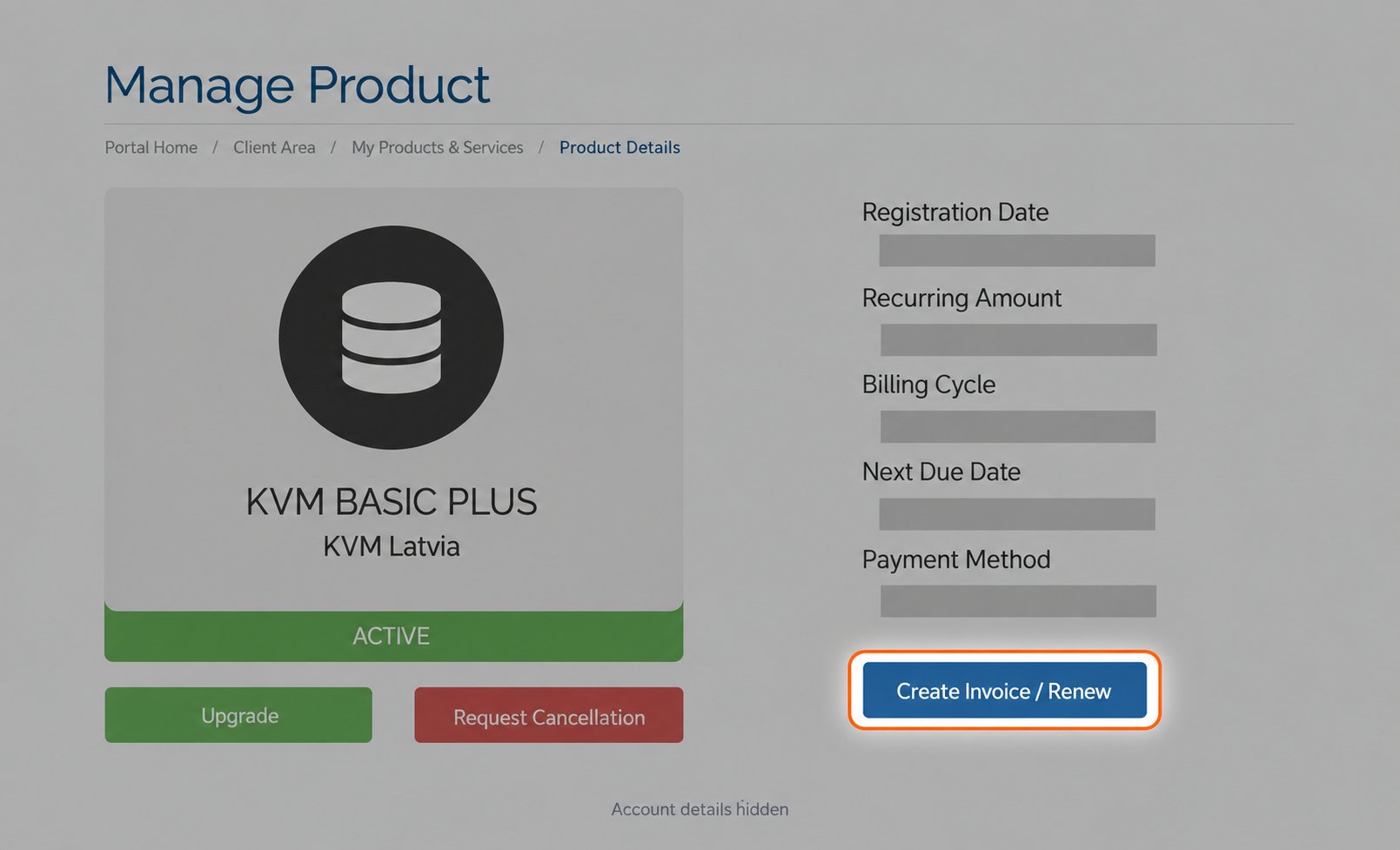
Fresh portal view. Account-specific billing values are hidden.
- Generate the renewal invoice immediately.
- Select the billing cycle you want to renew for.
Automatic payments
If you have a credit card on file, a PayPal subscription set up, or account credit available, renewal pro-forma invoices are paid automatically. We apply available account credit by default unless you opt out of automatic credit application.
When account credit is applied, your service renews right away.
Learn more: