

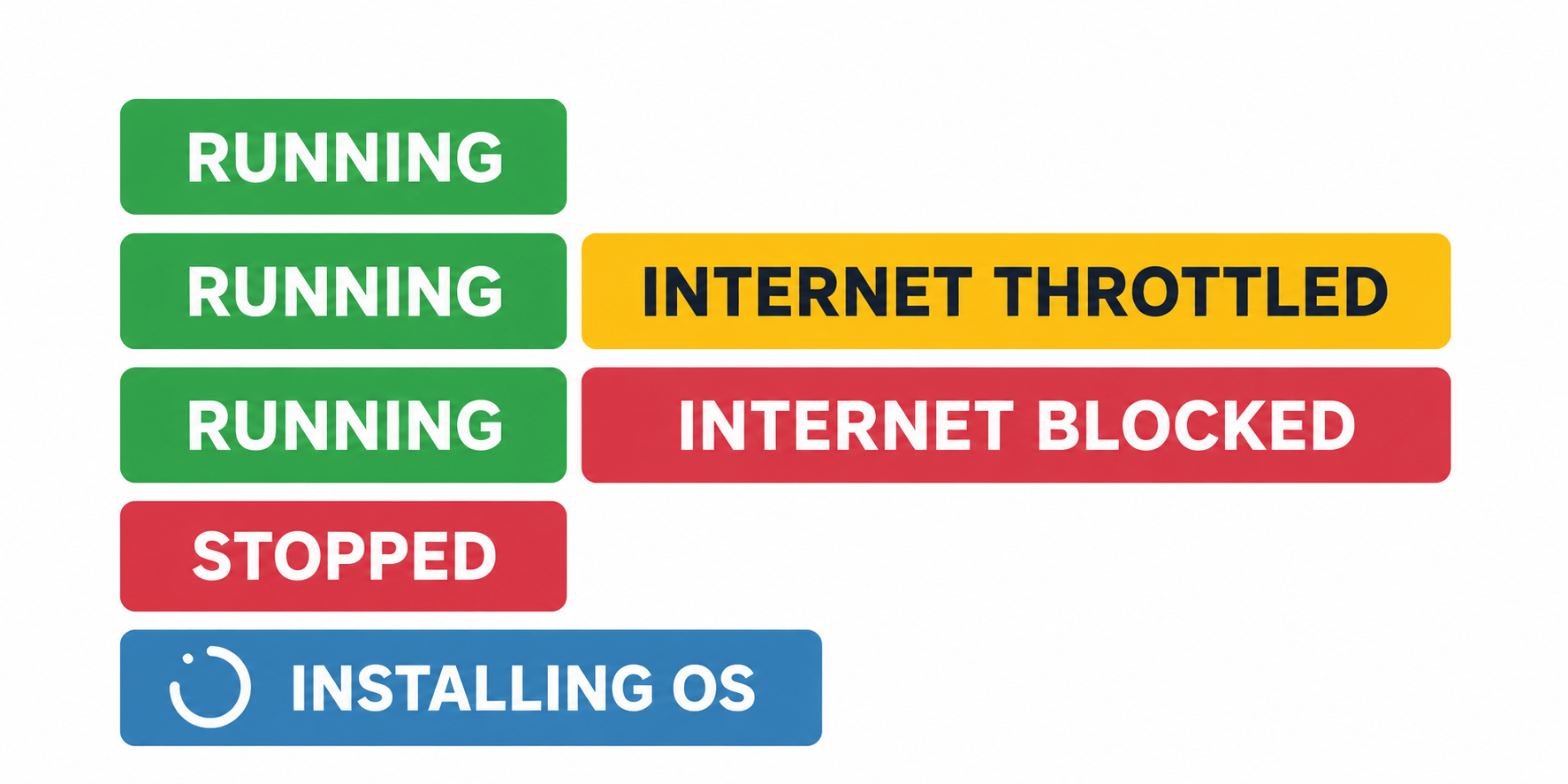
VPS status badges and examples of combined power and internet states.
Status badges at a glance
Running
RUNNING means your VPS is powered on. When it appears on its own, no traffic-related speed restriction or abuse-related internet block is applied. A running VPS may also display INTERNET THROTTLED or INTERNET BLOCKED. These additional badges describe its internet connection; the VPS itself remains running. The badge shows the VPS power state. It does not check whether individual applications, websites, SSH or Remote Desktop are working inside the operating system.Internet throttled
INTERNET THROTTLED means your available traffic allowance has been exhausted. Your VPS remains online, but its internet connection is limited to 1 Mbps. To restore normal speed:- Assign additional traffic from your Traffic Pool to the affected VPS. If the Pool balance is insufficient, top it up first, then assign traffic.
- Wait for the monthly traffic refill. The VPS’s Traffic Information panel shows the next refill date or countdown.
Buying Pool Traffic adds it to your shared Pool. To increase the affected VPS’s available allowance, assign the traffic to that VPS manually or through Auto-Hydration.
Internet blocked
INTERNET BLOCKED means we have temporarily disabled your VPS’s internet connection following review of an abuse report. This helps prevent further reported activity and protects our infrastructure and potential victims. When we apply a block, we send an email with the details and the complaint or supporting evidence included or attached. Refer to that email for the specific issue affecting your VPS.Access your VPS through noVNC
Your VPS remains running, and noVNC remains available while internet access is blocked. Use it to log in, investigate and make changes. If VNC is currently disabled, click Start VNC in the portal, wait for it to become enabled, then click Open Console. How to open the noVNC consoleOption 1: Resolve the issue and request a review
Use noVNC to investigate, fix the underlying issue or remove the infringing content. Then reply to the abuse notification email explaining:- What caused the reported activity, if known.
- What you changed to stop it and prevent it happening again.
If you cannot complete the repair without network access, explain this in your reply.