

Does EDIS Global offer Windows RDP service?
Yes. EDIS Global provides 1-click Windows RDP setup on our VPS platform, available for:- Windows Server 2019 (180-day trial)
- Windows Server 2022 (180-day trial)
- Windows Server 2025 (180-day trial)
- Windows 10 (90-day trial)
- Windows 11 (90-day trial)
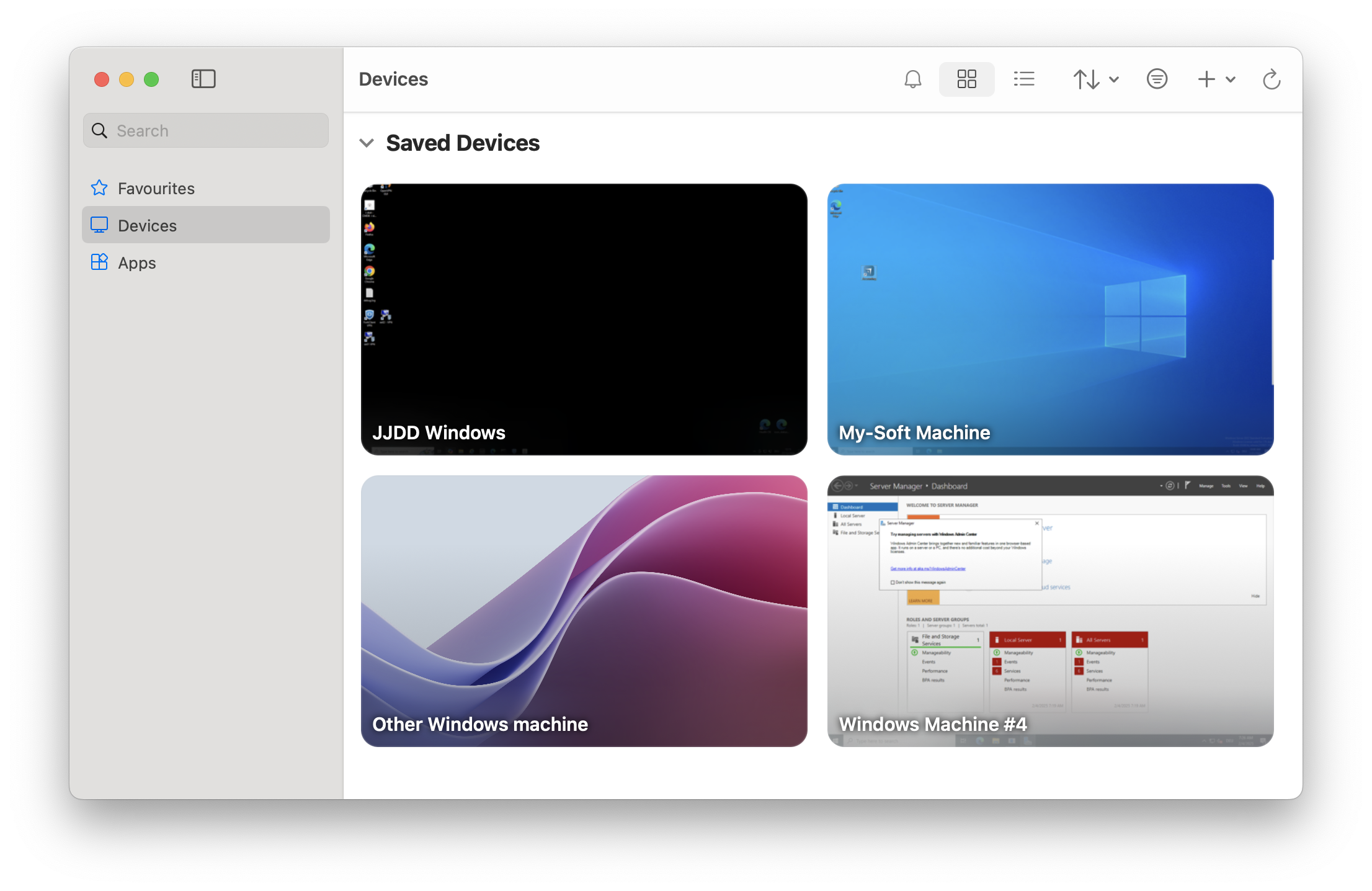
You can connect immediately using RDP (Microsoft Remote Desktop Protocol, Windows App, or any other RDP-compatible client). We use the standard Windows RDP port, which is 3389.
Windows RDP trial and licensing
EDIS does not provide a Windows license. You have 180 days to enter your own
license key and activate the trial installation.
Windows RDP FAQ
Do I need a Windows license?Not right away. We provide trial installations. You must enter your own license key within 180 days. How do I connect?
Use Microsoft Remote Desktop (Windows, macOS, or mobile apps) on port 3389. Can I install other Windows versions?
Yes. Custom ISO upload is possible through the KVM panel. What are common use cases?
Typical scenarios include remote work, software testing, running Windows-only apps, or secure access to a Windows desktop from anywhere.