

Find your VPS network settings
- Open the VPS Management Portal.
- Go to Services → My Services and select your VPS.
- On Server Information, click Network Info in Server management.
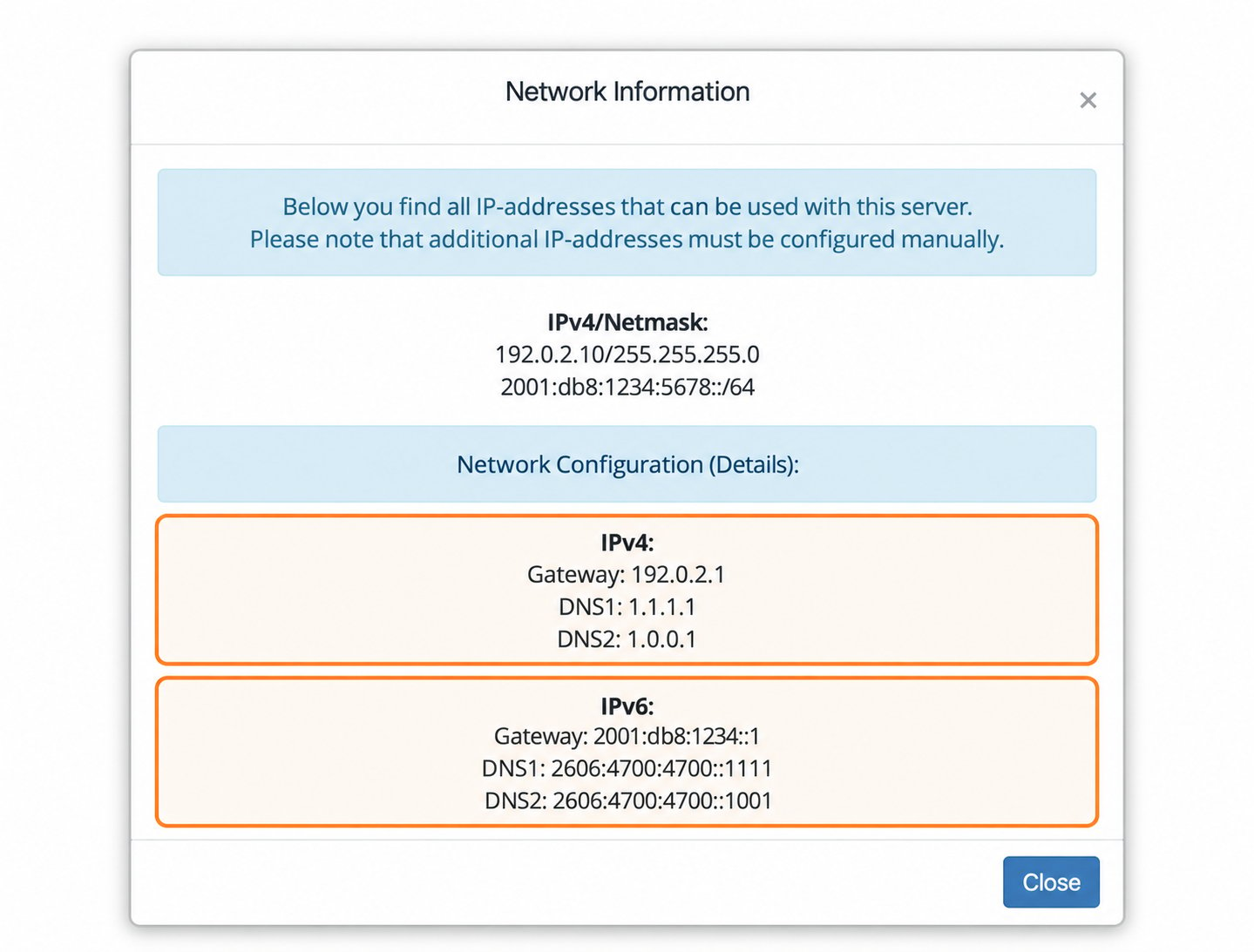
Addresses are anonymized. Use the values shown for your own VPS.
EDIS VPS Management Portal allows you to view and manage your VPS’s IP address settings, including IPv4 and IPv6 addresses, gateway, subnet, and DNS servers.
Addresses are anonymized. Use the values shown for your own VPS.