> ## Documentation Index
> Fetch the complete documentation index at: https://docs.edisglobal.com/llms.txt
> Use this file to discover all available pages before exploring further.
# Power Cycle or Reboot a VPS
> Power-cycle or reboot a VPS through the EDIS Global KVM management portal, or use a shutdown command followed by a power-on action from the dashboard.
## Clean & safe shutdown (and start)
You can trigger a shutdown with **"shutdown -h now"** or **"halt"** at the command prompt of your OS, followed by a **"START"** through the KVM management portal. This should be your preferred way to give your machine a clean cold-boot.
## Start / stop and restart buttons
If your service is currently in **SHUTDOWN** state, you can **Start** your VPS.
Regardless of the current state, you always have the option to **Restart** your VPS.
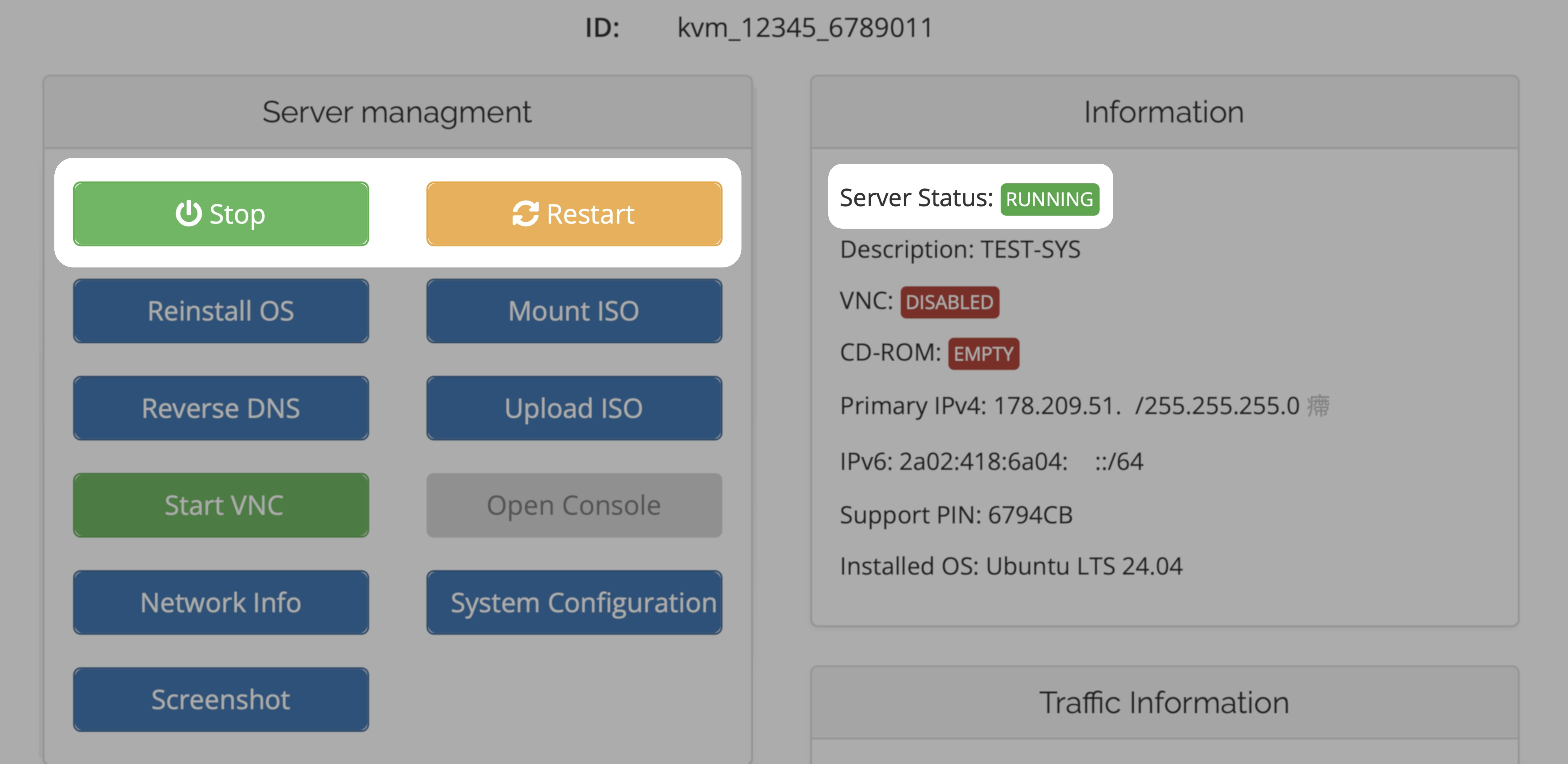
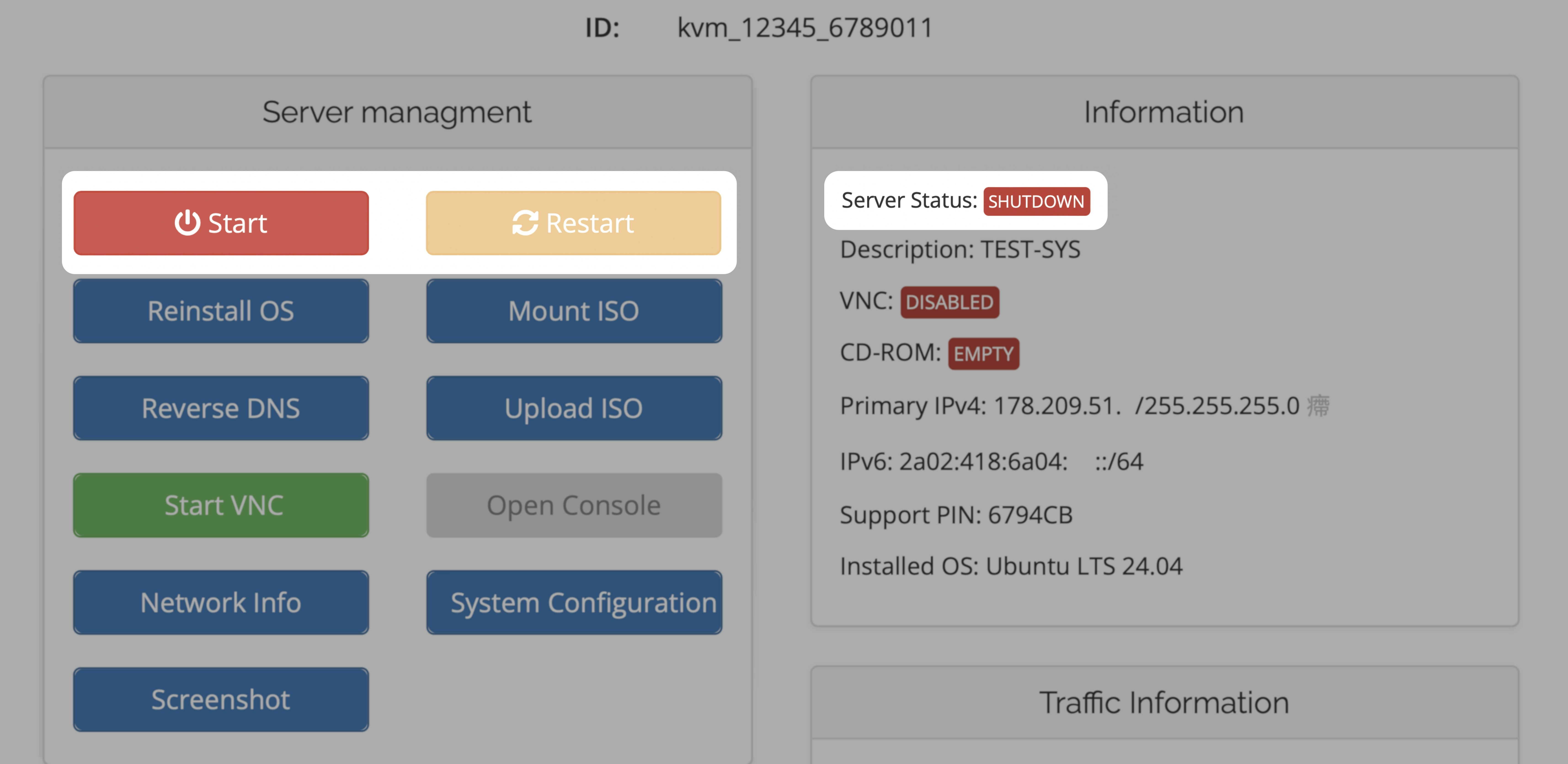 If your service is currently in **RUNNING** state, you can **Stop** (Shutdown) your VPS.
You always have the option to **Restart** your VPS.
If your service is currently in **RUNNING** state, you can **Stop** (Shutdown) your VPS.
You always have the option to **Restart** your VPS.
 ## Stop and Restart from a technical perspective
Both the **Stop** and **Restart** buttons terminate the hypervisor process which is managing your VPS. In addition, a Restart also initiates a fresh start of your virtual machine on a new hypervisor process. If you had a VNC/noVNC console open, you need to restart VNC/noVNC console too.
Please always consider a clean shutdown through your operating system first!
## Stop and Restart from a technical perspective
Both the **Stop** and **Restart** buttons terminate the hypervisor process which is managing your VPS. In addition, a Restart also initiates a fresh start of your virtual machine on a new hypervisor process. If you had a VNC/noVNC console open, you need to restart VNC/noVNC console too.
Please always consider a clean shutdown through your operating system first!