> ## Documentation Index
> Fetch the complete documentation index at: https://docs.edisglobal.com/llms.txt
> Use this file to discover all available pages before exploring further.
# VPS IP Address Settings & Network Info
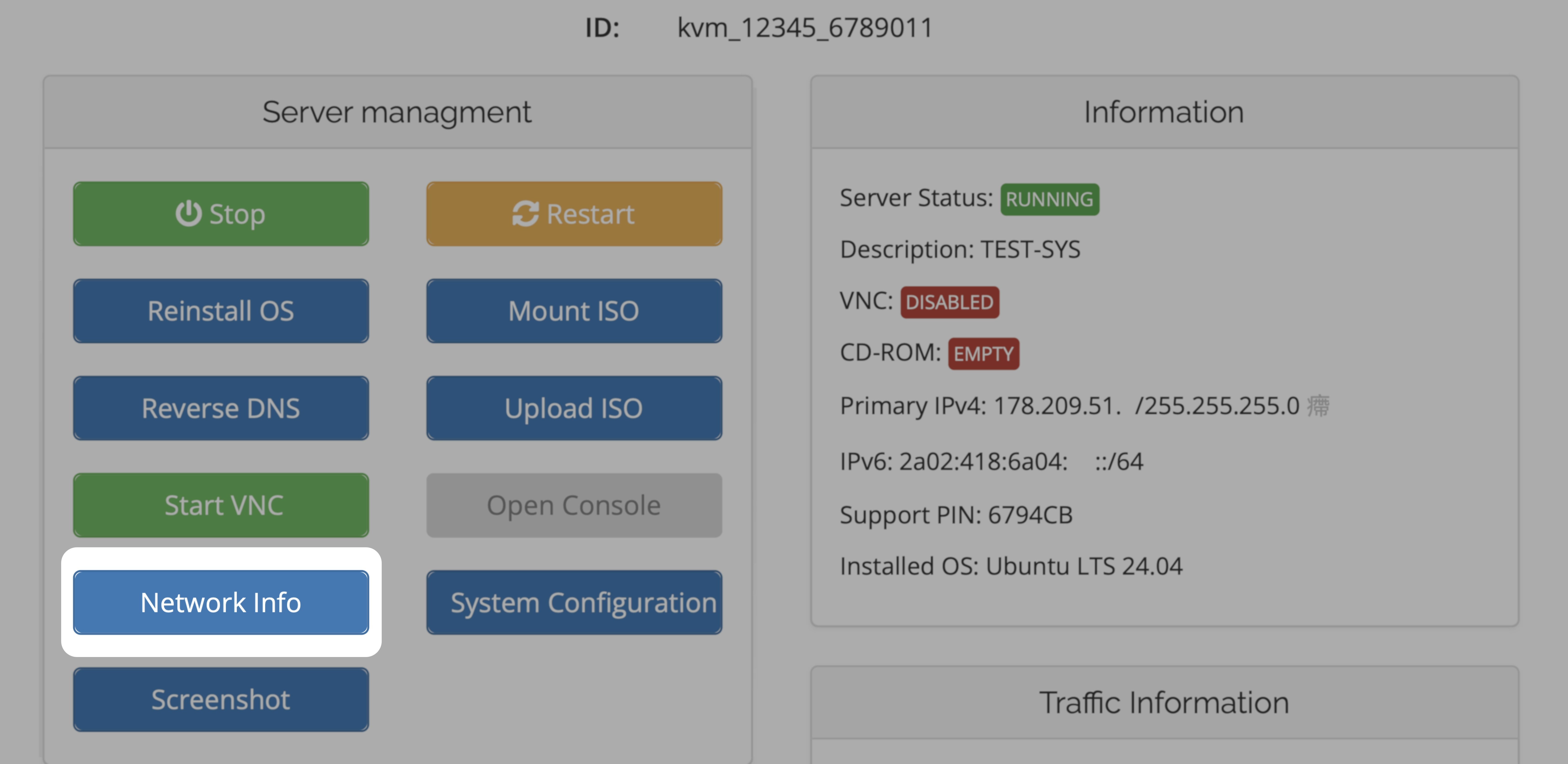
> EDS KVM management portal allows users to view and manage their VPS's IP address settings, including IPv4 and IPv6 addresses, gateway, subnet, and DNS servers.
## IP settings, network info
You can view and manage your VPS's IP address settings in the KVM management portal. This is where you will find the IPv4 and IPv6 addresses, gateway, subnet, and DNS servers.
[VPS Management Portal](https://manage.edisglobal.com/clientarea.php)