> ## Documentation Index
> Fetch the complete documentation index at: https://docs.edisglobal.com/llms.txt
> Use this file to discover all available pages before exploring further.
# Upload a Custom ISO image
> EDIS allows users to bring their own .ISO files like custom distributions, basically any i386 or AMD64 compatible operating systems or appliances.
## EDIS allows you to upload and install your own .ISO
Boot up a bare-metal backup of any server on your KVM. You can also provide custom distributions. Any i386 or AMD64 compatible operating systems can be run on your KVM.
Use your own custom ISO file to manually install your VPS from the KVM management panel.
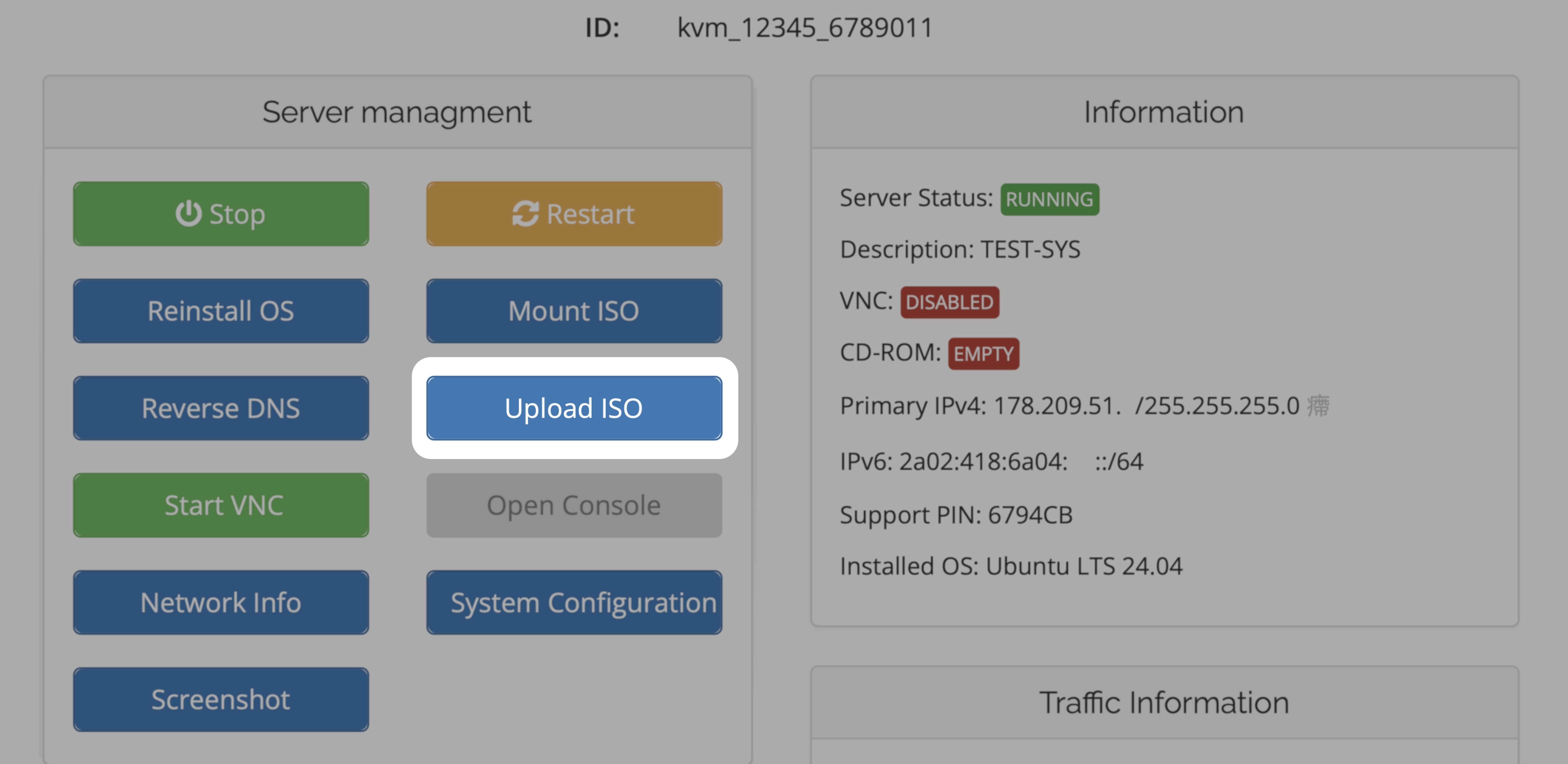 ## Let's do it
[VPS Management Portal](https://manage.edisglobal.com/clientarea.php)
Please enter a direct HTTP or HTTPS link to your ISO file.
## Let's do it
[VPS Management Portal](https://manage.edisglobal.com/clientarea.php)
Please enter a direct HTTP or HTTPS link to your ISO file.
For example: [https://example.com/image.iso](https://example.com/image.iso)
Non-Redirecting Link: This means the address points straight to the ISO file itself and does not redirect through any other pages or links. Using a direct link ensures a faster, more reliable download and easier verification.
Click “**Download ISO**” to start and wait until the download finishes completely.
Once the download is completed, your .iso will be available and can be mounted from the "**Mount ISO**" dialogue. Please pay particular attention to the fact that the uploaded file changes its name and will be provided to you as **xxxx/iso/KVM\_xxxxx\_xxxxxx.iso.**
A custom ISO file will be available for 24 hours and will then be removed from
your account.