> ## Documentation Index
> Fetch the complete documentation index at: https://docs.edisglobal.com/llms.txt
> Use this file to discover all available pages before exploring further.
# Fix Remote Desktop CredSSP Encryption Oracle Remediation
> Fix the CredSSP Encryption Oracle Remediation error in Windows 10 Home Edition with a registry tweak from an elevated command prompt followed by a reboot.
## FIX CredSSP encryption oracle remediation error in Windows 10 home edition
 This is how you get rid of the **CredSSP Encryption Oracle Remediation** Error in Windows 10 Home Edition:
```shell Shell theme={"system"}
REG ADD HKLM\Software\Microsoft\Windows\CurrentVersion\Policies\System\CredSSP\Parameters\ /v AllowEncryptionOracle /t REG_DWORD /d 2
```
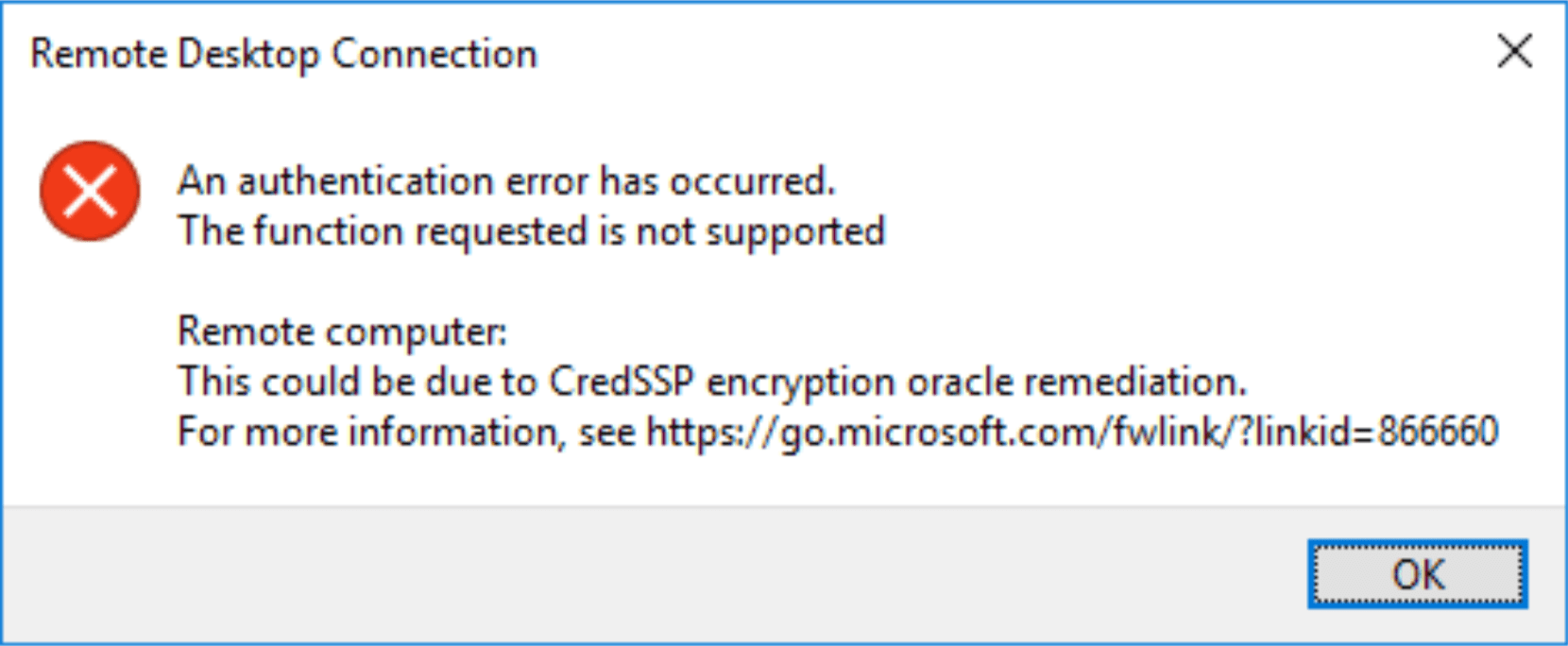
*An authentication error has occurred. The function requested is not supported. Remote computer: \. This could be due to CredSSP encryption oracle remediation. For more information, see [https://go.microsoft.com/fwlink/?linkid=866660](https://go.microsoft.com/fwlink/?linkid=866660) .*
This is how you get rid of the **CredSSP Encryption Oracle Remediation** Error in Windows 10 Home Edition:
```shell Shell theme={"system"}
REG ADD HKLM\Software\Microsoft\Windows\CurrentVersion\Policies\System\CredSSP\Parameters\ /v AllowEncryptionOracle /t REG_DWORD /d 2
```
*An authentication error has occurred. The function requested is not supported. Remote computer: \. This could be due to CredSSP encryption oracle remediation. For more information, see [https://go.microsoft.com/fwlink/?linkid=866660](https://go.microsoft.com/fwlink/?linkid=866660) .*