> ## Documentation Index
> Fetch the complete documentation index at: https://docs.edisglobal.com/llms.txt
> Use this file to discover all available pages before exploring further.
# Subscribe to Status Updates
> Subscribe to EDIS Global status updates via email, SMS, RSS, or webhook to receive notifications for specific VPS locations and the services you depend on.
# Subscribe to status updates
Stay informed about **incidents, maintenance, and service status** for the locations and services you use.
You can subscribe to updates via:
* Email
* Slack
* Microsoft Teams
* Google Chat
You can also choose **specific locations only**, so you avoid notifications from regions you don't use.
You only receive notifications for locations where the **bell icon is enabled**.
***
## Quick Overview
Subscribing takes less than a minute.
1. **Open** the Statuspage
2. Click **Subscribe**
3. Enter your **email address**
4. Click the **magic link** in the email
5. Select the **locations you want to follow**
6. Choose your **notification method**
7. Click **Save Changes**
***
## 1. Open the status page
Go to the EDIS Global Statuspage:
[https://status.edis.global](https://status.edis.global)
This page shows the **current operational status and uptime metrics** for all EDIS Global services.
***
## 2. Click **Subscribe**
\
In the top right corner of the page, hit the big fat **Subscribe** button.
 ***
## 3. Enter your email address
A dialog will appear asking for your email address.
Enter the address where you want to receive notifications and click:
**Start subscription**
***
## 4. Confirm via magic link
You will receive an email containing a **Magic Link**.
Click:
**Sign in to EDIS Global Status | EDBB Status**
This link authenticates you and opens your subscription settings.
***
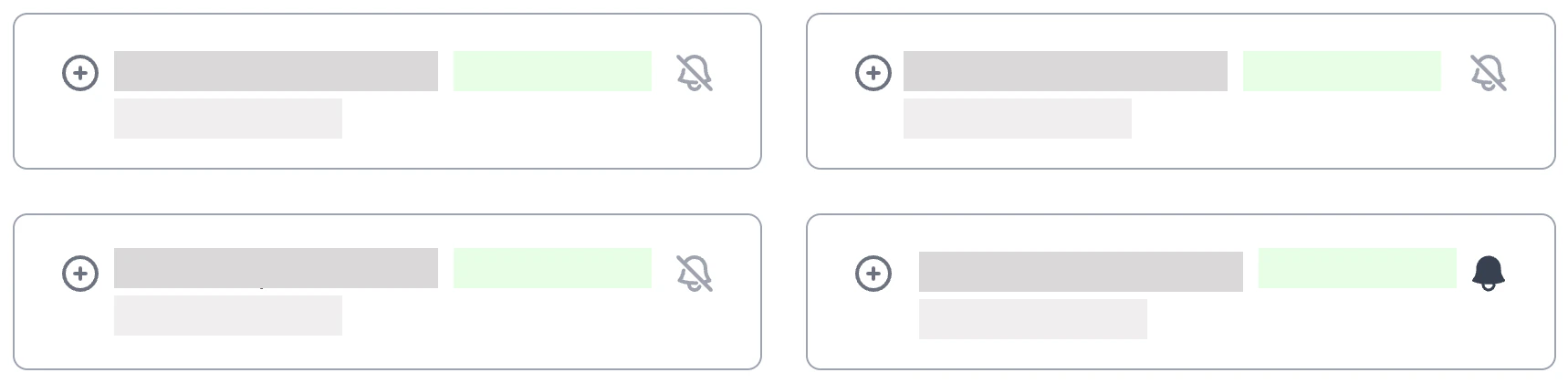
## 5. Select Regions
Once signed in, you can choose which **regions** or **individual locations** you want to follow.
Regions available:
* **KVM Europe**
* **KVM Asia, Australia and Oceania**
* **KVM North and Latin America**
* **KVM Middle East and Africa**
Click the **bell icon 🔔** next to the region to subscribe for updates for **all VPS Server Locations** in that particular region.
***
## 3. Enter your email address
A dialog will appear asking for your email address.
Enter the address where you want to receive notifications and click:
**Start subscription**
***
## 4. Confirm via magic link
You will receive an email containing a **Magic Link**.
Click:
**Sign in to EDIS Global Status | EDBB Status**
This link authenticates you and opens your subscription settings.
***
## 5. Select Regions
Once signed in, you can choose which **regions** or **individual locations** you want to follow.
Regions available:
* **KVM Europe**
* **KVM Asia, Australia and Oceania**
* **KVM North and Latin America**
* **KVM Middle East and Africa**
Click the **bell icon 🔔** next to the region to subscribe for updates for **all VPS Server Locations** in that particular region.
 ***
## 6. Subscribe to individual server locations
Expand a region to see individual locations and refine your selection.
***
## 6. Subscribe to individual server locations
Expand a region to see individual locations and refine your selection.
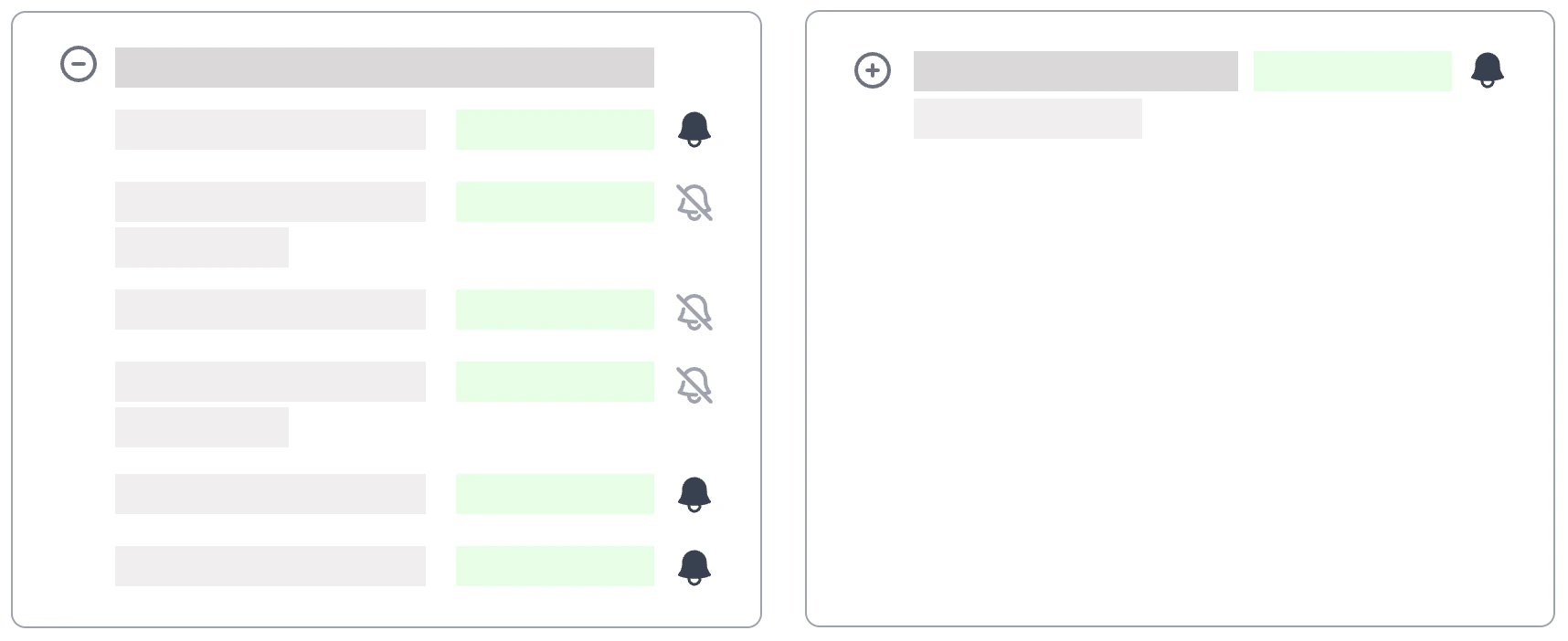 Click the **bell icon 🔔** next to the locations you want to subscribe updates for.
Examples:
* Austria, Vienna **🔔**
* Germany, Frankfurt 🔕
* France, Paris 🔕
* Greece, Thessaloniki 🔕
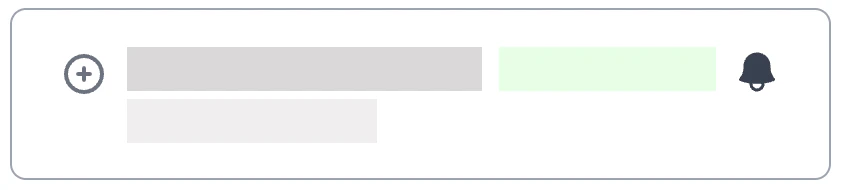
### Icon Meaning
🔔 Notifications enabled (subscribed)
Click the **bell icon 🔔** next to the locations you want to subscribe updates for.
Examples:
* Austria, Vienna **🔔**
* Germany, Frankfurt 🔕
* France, Paris 🔕
* Greece, Thessaloniki 🔕
### Icon Meaning
🔔 Notifications enabled (subscribed)
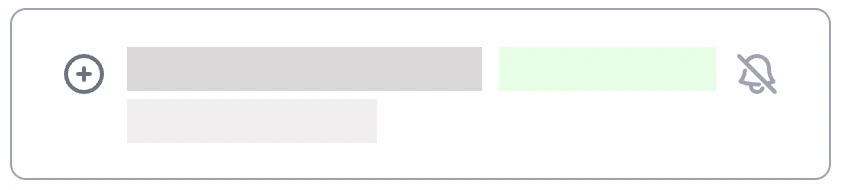
 🔕 Notifications disabled (not subscribed)
 ***
## 7. Choose your notification method
You can choose **how you want to receive notifications**.
In the **top-right corner**, click:
**Preferences**
Then enable the notification methods you prefer.
Available options:
* **Email**
* **Slack**
* **Microsoft Teams**
* **Google Chat**
You can enable **multiple methods at the same time**.
***
## 8. Save your changes
After selecting your locations and notification methods, click:
**Save Changes**
Your notification preferences are now active.
***
## Unsubscribe
You can unsubscribe at any time.
Return to the status page and:
* disable the **bell icon** for specific locations
* or choose **Unsubscribe completely**
***
## Status API
For monitoring systems and automation, the **EDIS Global Status API** provides programmatic access to service health and incident data.
The API allows you to retrieve:
* overall service status
* component health
* uptime metrics
* incident history
* maintenance events
API endpoint:
[https://status.edis.global/api](https://status.edis.global/api)
Rate limit: **10 requests per second**
***
## 7. Choose your notification method
You can choose **how you want to receive notifications**.
In the **top-right corner**, click:
**Preferences**
Then enable the notification methods you prefer.
Available options:
* **Email**
* **Slack**
* **Microsoft Teams**
* **Google Chat**
You can enable **multiple methods at the same time**.
***
## 8. Save your changes
After selecting your locations and notification methods, click:
**Save Changes**
Your notification preferences are now active.
***
## Unsubscribe
You can unsubscribe at any time.
Return to the status page and:
* disable the **bell icon** for specific locations
* or choose **Unsubscribe completely**
***
## Status API
For monitoring systems and automation, the **EDIS Global Status API** provides programmatic access to service health and incident data.
The API allows you to retrieve:
* overall service status
* component health
* uptime metrics
* incident history
* maintenance events
API endpoint:
[https://status.edis.global/api](https://status.edis.global/api)
Rate limit: **10 requests per second**