> ## Documentation Index
> Fetch the complete documentation index at: https://docs.edisglobal.com/llms.txt
> Use this file to discover all available pages before exploring further.
# Windows RDP on EDIS Global VPS – Fast Setup in 15 Minutes
> Deploy Windows RDP on your EDIS VPS with 1-click install. Windows Server 2019, 2022, 2025, and Windows 10 / 11. Trial license included, port 3389.
export const CtaButton = ({label, link, openInNewTab}) => ;
## Does EDIS Global offer Windows RDP service?
Yes. EDIS Global provides 1-click Windows RDP setup on our VPS platform, available for:
* Windows Server 2019 (180-days trial)
* Windows Server 2022 (180-days trial)
* Windows Server 2025 (180-days trial)
* Windows 10 (90-days trial)
* Windows 11 (90-days trial)
After the installation is completed (we install from scratch, so **it only takes about 15 minutes** to finish a Windows Server setup), you'll receive a fully working Windows environment.\
You can connect immediately using RDP (Microsoft Remote Desktop Protocol, Windows App, or any other RDP-compatible client).
We use the **standard Windows RDP port**, which is **3389**.
### Windows RDP trial and licensing
EDIS does not provide a Windows license. You have 180 days to enter your own
license key and activate the trial installation.
***
### Windows RDP FAQ
**Do I need a Windows license?**\
Not right away. We provide trial installations. You must enter your own license key within 180 days.
**How do I connect?**\
Use Microsoft Remote Desktop (Windows, macOS, or mobile apps) on port 3389.
**Can I install other Windows versions?**\
Yes. Custom ISO upload is possible through the KVM panel.
**What are common use cases?**\
Typical scenarios include remote work, software testing, running Windows-only apps, or secure access to a Windows desktop from anywhere.
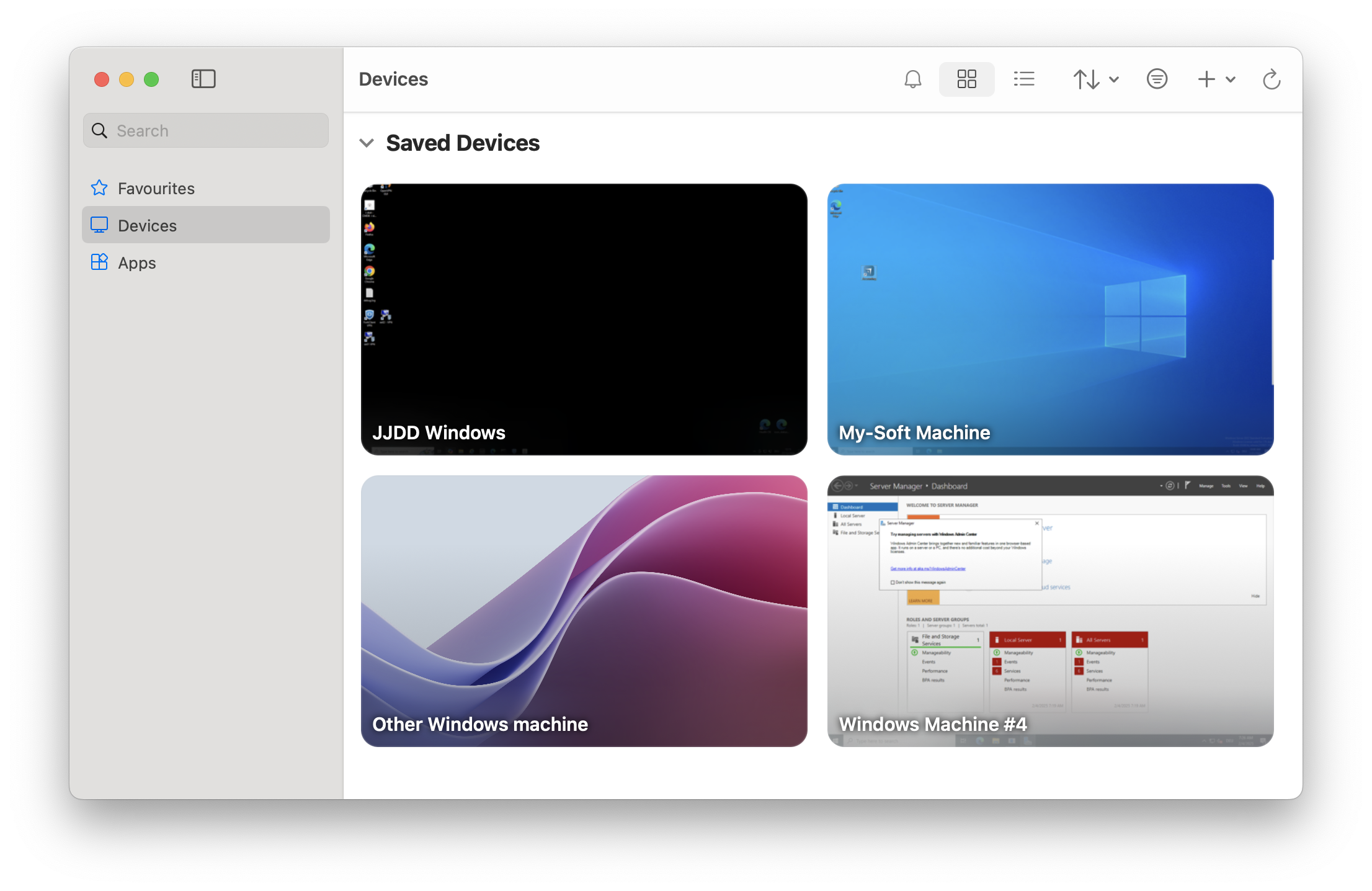 After the installation is completed (we install from scratch, so **it only takes about 15 minutes** to finish a Windows Server setup), you'll receive a fully working Windows environment.\
You can connect immediately using RDP (Microsoft Remote Desktop Protocol, Windows App, or any other RDP-compatible client).
We use the **standard Windows RDP port**, which is **3389**.
### Windows RDP trial and licensing
After the installation is completed (we install from scratch, so **it only takes about 15 minutes** to finish a Windows Server setup), you'll receive a fully working Windows environment.\
You can connect immediately using RDP (Microsoft Remote Desktop Protocol, Windows App, or any other RDP-compatible client).
We use the **standard Windows RDP port**, which is **3389**.
### Windows RDP trial and licensing